Login that survives a locked screen
Open the app and you are back on the last page you used, with the session intact for the day. No retyping a password on a small keyboard while a cricket over is starting.
One 32 MB file, no app store queue. The gperya APK opens the same account, wallet and games you already use in the browser, but starts faster and remembers your session between rounds.
| Version | 3.5.2 |
| File size | 32 MB |
| Minimum Android | 7.0 |
| Last updated | 16 November 2026 |
| Price | Free |
| Languages | English, Bangla |
| Payments inside | bKash, Nagad, Rocket, Bank Transfer |
File name: gperya.apk · 32 MB. Keep the name as it is; some Android keyboards add a second dot when you rename, and the phone then refuses to open it.
Download APKOn an iPhone instead?
There is no iOS file to install here, so you play in Safari and pin the site to your home screen. It takes about a minute and behaves like an app afterwards.
The lobby inside the gperya app is the same library as the browser, sorted so the games most people open first sit at the top. Tap a tile and it loads in the app window, not a new browser tab.
 RTP 96.4%
Opens in about the time it takes to unlock the screen.
 RTP 96.2%
Stakes from ৳2 up to ৳10,000 per spin.
Same file, scanned from a laptop if your data plan is on the phone.
Open Settings, then Apps, then Special access, then Install unknown apps. Pick the browser or file manager you will download with and switch the permission on. Android asks once per app, so this is not a permanent hole in your phone.
Android 7.0 or newerTap the Download APK button on this page. On a slow connection the 32 MB file can show as "in progress" for a few minutes; the download notification tells you when it is finished. Do not open the file from the notification shade while it is still writing.
Open Downloads, tap gperya.apk, then Install. If a blue Google Play Protect box appears, choose More details and then Install anyway. The warning is generic for any file installed outside the store, not a report about this one.
Use the same phone number and password as the browser version. There is no second wallet to fund, so your balance, bonus progress and pending withdrawal all appear as they were. If the login page looks blank, close the app and open it again once.
New here? Create an account firstAllow notifications when Android asks so withdrawal updates reach you. Send ৳250 by bKash and confirm it lands in the balance within about 2 minutes before you settle in to play.
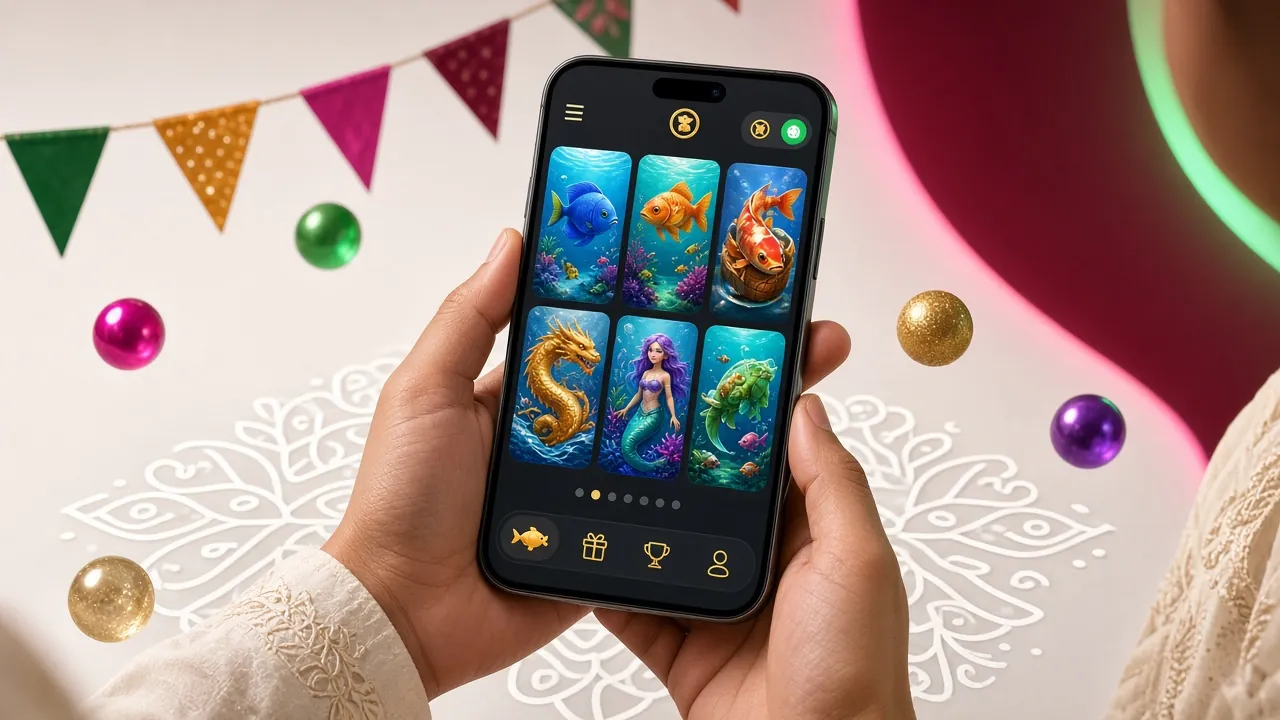
Open the app and you are back on the last page you used, with the session intact for the day. No retyping a password on a small keyboard while a cricket over is starting.
Deposit and withdrawal buttons sit in the bottom bar. bKash and Nagad top-ups normally land in about 2 minutes, and withdrawal requests are usually paid in around 19 minutes.
Live dealer rooms and the sports list share one balance, so you can move from a slot to a match market without a second login. Each market shows the odds before you confirm a stake.
Get a ping when a withdrawal is approved, when a bonus credit is added, or when a match you follow is about to start. You can switch off promotions and keep only payment alerts in Settings.
A game opens inside the app instead of a fresh browser tab with its own cache. On a 2 GB or 3 GB handset that means fewer reloads and less heat after an hour of spinning.
Live chat is 24/7 and opens as a layer over whatever you were doing, so the round you were in is still there when the chat closes. Useful for a deposit that has not shown up yet.
Better for daily players on one handset
Better for shared phones and desktop
| What you see | Why it happens | What to do |
|---|---|---|
| Install blocked, "for your security" | The browser does not have permission to install apps on this phone. | Settings, Apps, Special access, Install unknown apps, allow your browser, then tap the file again. |
| "App not installed" or a parse error | The download stopped halfway, or the file was renamed and lost its .apk ending. | Delete the file, download gperya.apk again on a stable connection, and install without renaming it. |
| Not enough storage | The 32 MB file plus installation space needs roughly double that free. | Clear a few hundred MB from photos or old downloads, then retry. Keep 300 MB free for updates. |
| Play Protect warns about an unknown developer | Normal message for any file installed outside the Play Store. | Choose More details, then Install anyway. Scan the file with Play Protect first if you want a second opinion. |
| Installed but the screen stays blank | An older copy is still cached, or the phone is on Android below 7.0. | Uninstall the old version, restart the phone, install 3.5.2 again. Check the Android version in Settings, About phone. |
| Login rejected after install | Wrong number format, or a password typed with the phone's autocorrect on. | Type the number without spaces or a leading zero issue, switch autocorrect off for the field, or reset it on the login page. |
Still stuck after three attempts? Live chat is open 24/7 and can check whether your deposit and account are fine on the server side.
Close chat apps before an animated slot session. Keep one game open at a time and avoid the picture-in-picture live rooms, which hold the heaviest video load. Restarting the app once a day clears the leftover memory.
The lobby needs data, but the games inside decide how much. Turn off game sound in Settings, since audio streams add to the load on a slow line, and let a game finish loading before you tap spin repeatedly.
Lower screen brightness rather than using auto-brightness, and switch the app to the dark lobby. If you plan to play for an hour, start above 40 percent; live dealer video drains faster than slots.
Each new build replaces the old one, but the phone still needs room to unpack it. Leave about 300 MB spare, clear the app cache from Settings every few weeks, and keep WhatsApp media from filling the last gigabyte.
None of this changes how the wallet works. Deposits and withdrawals still run through bKash, Nagad, Rocket or bank transfer, with the same limits as the browser version: ৳250 to start, ৳1,500 minimum on the way out.
The file comes from this site, so download it here and nowhere else. It is 32 MB, free, and asks for storage and notification access, nothing more. Android will warn you because it did not come from the Play Store; that warning appears for every APK and is not a report about this file.
Almost always an incomplete download or a renamed file. Delete it, download gperya.apk again on Wi-Fi or steady data, and install without changing the name. Also confirm the phone runs Android 7.0 or newer, since older versions cannot read the package.
Download the current file from this page and install over the old one. Your login and balance stay as they are, so there is no need to uninstall first. Version 3.5.2 was last updated on 16 November 2026; if the number in Settings, About shows something lower, you are on the older build.
No. The app is the same account and the same wallet. Sign in with your existing number and password and everything is where you left it, including bonus progress. If you have never signed up, create the account first on the registration page and then install.
There is no iOS file. On an iPhone, open the site in Safari, tap Share, then Add to Home Screen. You get an icon that opens without the address bar, which covers most of what the Android app does, minus lock-screen notifications. Everything else, including payments, works the same.
Usually yes, because the lobby and icons are stored on the phone instead of being fetched each visit. Game rounds still need data, and live dealer video uses the most. On a small daily pack, turn sound off, avoid long live sessions, and the difference becomes noticeable over a week.
Download the 32 MB file, install it on Android 7.0 or newer, and sign in with the details you already have. First deposit from ৳250 by bKash, Nagad, Rocket or bank transfer.
Download APK18+ · Play Responsibly · Set your own deposit limits before you start